
08.12.2020

Video Series “What to Do”: Working with User Rights

In this video, we’ll explain how to manage user rights in the Oki-Toki service for contact centers, track their actions and exclude them.

Video Series “What to Do”: Working with User Rights

In this video, we’ll cover how to work with user rights in Oki-Toki.

Section: Admin Panel.
Problem:
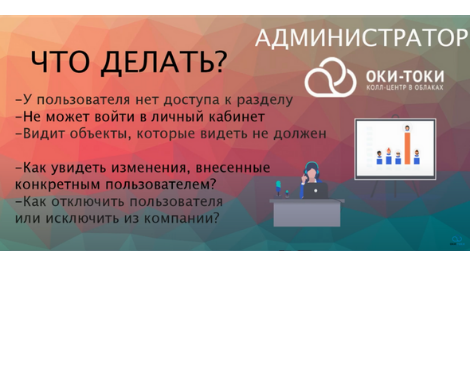
0:18 The user does not have access to the Oki-Toki section.
0:48 The user cannot log into the personal account.
0:34 The user sees objects that he should not see.
1:11 How to see changes made by specific user.
1:25 How to disable a user or remove them from the company.

No rating

Was this article helpful?

Read also

Voice menu: How does IVR with speech recognition work

How voice IVR works in Oki-Toki: setup, scenarios, voice commands, and benefits for customers and businesses

Learn More >16.05.2025

Speech analytics for contact centers

How to identify speech errors in a call center agent’s work with the help of the Oki-Toki speech analytics tool, direct and inverse search.

Learn More >10.05.2023