08.12.2020

Video Series “What to Do”: Working with User Rights

In this video, we’ll explain how to manage user rights in the Oki-Toki service for contact centers, track their actions and exclude them.

Video Series “What to Do”: Working with User Rights

In this video, we’ll cover how to work with user rights in Oki-Toki.

Section: Admin Panel.
Problem:
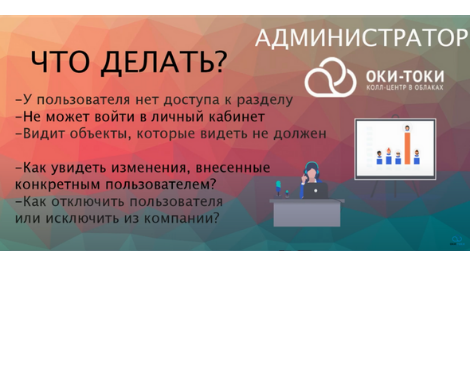
0:18 The user does not have access to the Oki-Toki section.
0:48 The user cannot log into the personal account.
0:34 The user sees objects that he should not see.
1:11 How to see changes made by specific user.
1:25 How to disable a user or remove them from the company.


No rating

Was this article helpful?

Read also

Call tagging: How can an agent comment on calls?

Discover how to enhance the efficiency of your call center with call tagging. Leave comments on calls to improve customer service quality.

Learn More >05.02.2024

Oki-Toki Tools for Outsourcing Call Centers

Why every outsourcing call center needs Oki-Toki cloud service tools: projects, reports, briefs, call scripts, CRM.

Learn More >11.11.2020