
Data security and protection
Access management in projects, protection of customer personal data, hiding numbers and fields in CRM, user roles, action history and changes in the system. Features of working in an outsourcing and “in-house” call center.
This section is related to products:
Popular



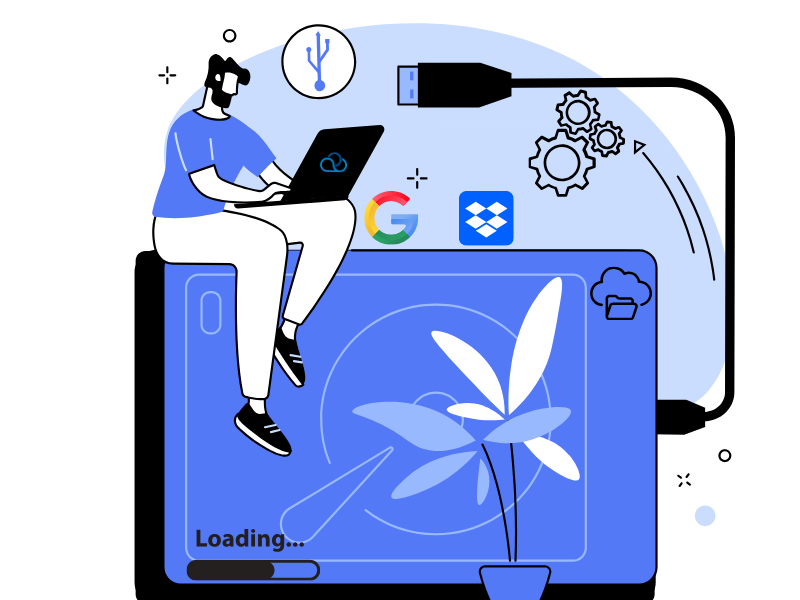
How to connect external storage for call recordings (Google Drive and Dropbox)
Connect Google Drive and Dropbox to Oki-Toki for call storage. Comparison of internal and cloud storage, solving connection errors.
Learn More >20.08.2025
Cybersecurity in the call center: How to protect client data
How to ensure data security in a call center? Effective ways to protect personal data of clients and employees.
Learn More >18.06.2025
How to create a report on the work of a call center?
What call center reports are available in the Oki-Toki cloud system
Learn More >15.05.2025
How to Separate Call Center Projects: An Article for Supervisors and Contact Center Managers, Features and Settings in Oki-Toki.
Learn More >15.12.2024
Call recordings of call center agents
How to store and analyze agent call recordings in Oki-Toki
Learn More >22.07.2024

How to Protect Client Data Using Exclusive Fields in Oki-Toki Projects?
Customer data protection is one of the most important priorities for a call center. We offer a number of features that help call centers protect their customers’ data.
Learn More >20.06.2024

How to set up automatic dialing of customers with a robot?
Discover how to set up automatic customer dialing with a robot in the Oki-Toki service to enhance the efficiency of the call center, save time, and improve customer service quality.
Learn More >16.04.2024

White Label PBX: How personalisation improves the image and security of a contact centre
Remake Okie-Toki for yourself with the help of the White Label concept: your own design and web address, corporate mail and VPN service.
Learn More >29.11.2023