How to handle an invalid application with a dialer
Case: processing a client portal request with Oki-Toki dialer in status: incomplete (invalid request).
A section for self-configuring the system: access rights, projects, operator groups, incoming and outgoing calls, auto-dialing, chats, integrations, providers, reports, and KPI norms.
This section is related to the following products:
«Call center manager tools», «Omnichannel»
Case: processing a client portal request with Oki-Toki dialer in status: incomplete (invalid request).
Why every outsourcing call center needs Oki-Toki cloud service tools: projects, reports, briefs, call scripts, CRM.
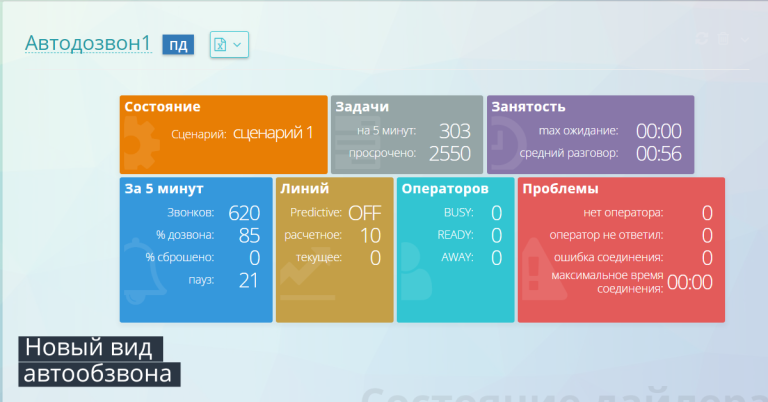
Details about all dialer modes of the service for Oki-Toki contact centers. Read our blog right now!
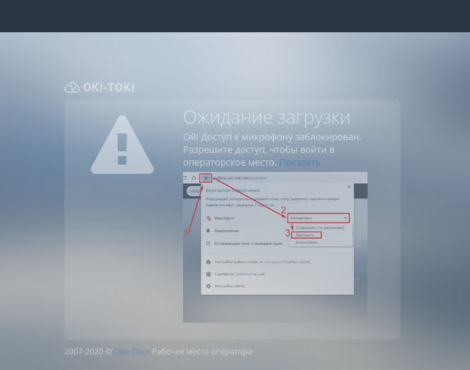
What to do if the browser does not detect an 'Agent's Microphone' in a call center computer? Find solutions in this article!
Why a Contact Centre Needs Auto-Dialling and the Benefits of the Cloud-Based Oki-Toki System for Internal and Outsourcing CCs.