Effective analytics for the contact center: How to create the perfect “Report”?
How to create an effective contact center work summary. How to keep management informed with "Reports".
Everything about KPI and reports: call tracking, speech analytics, auto-dialer statistics, operator working hours, outsourcing call centers reporting, chats, reports, DataMixer and data export.
This category is related to products:
How to create an effective contact center work summary. How to keep management informed with "Reports".
How to Improve Contact Center Agents' Performance, Boost Productivity and Optimize Processes.
What mistakes should be avoided in call center reporting, what can't be ignored, and where to relax control.
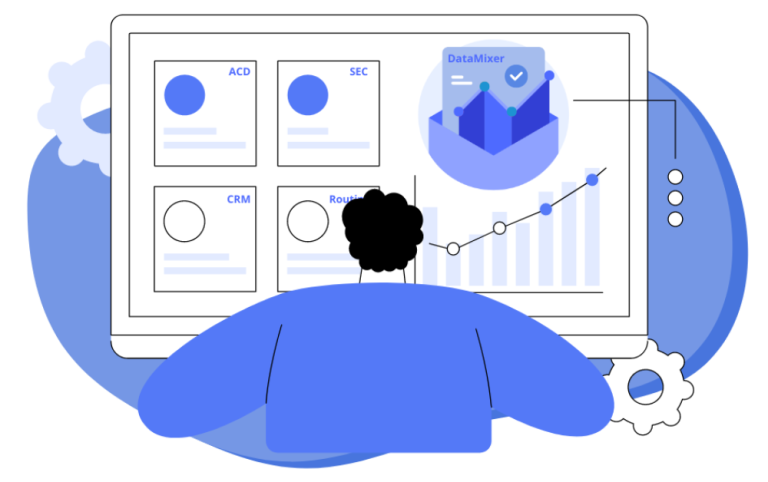
DataMixer - a new Oki-Toki tool that will simplify your reporting work. Read in the note what it's for and how to set it up!
What is the FCR indicator for call center's operation, how to calculate it using a formula, automatic report in Oki-Toki, and selection of fields to fill out.
How to determine the occupancy rate of call center agents and set up the "Occupancy" indicator in the Oki-Toki service.
How to store and analyze agent call recordings in Oki-Toki
Oki-Toki offers a variety of reports, and we are now going to talk about the tools that simplify working with them.
Customer data protection is one of the most important priorities for a call center. We offer a number of features that help call centers protect their customers' data.
Discover how the Oki-Toki omnichannel platform helps call centers expand communications and improve agent efficiency by bringing telephony, messengers, social networks, and email together in one window.