Events, webhooks, and integrations in Oki-Toki
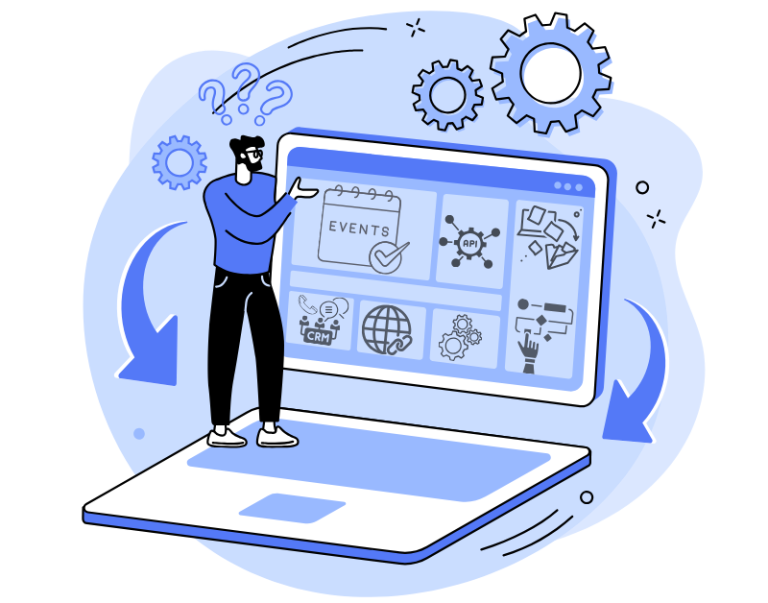
How events and integrations work in Oki-Toki, setup specifics and useful use cases.
Integration with CRM, opening customer card during the call, retrieving call history in CRM, uploading contacts and numbers for auto-dialing. Integration with SMS, export of call recordings to the cloud, Google Drive, Slack, Webhook, and API tools for developers.
Linked to:
How events and integrations work in Oki-Toki, setup specifics and useful use cases.
How does n8n put office routine on autopilot without programming skills?
How does "Oki-Toki: e-commerce call & chat" help combine calls and messengers in one widget? A guide to setup and implementation.
How to connect a SIP provider in Oki-Toki, registration via SIP-Client, logging, and reporting.
Connect Google Drive and Dropbox to Oki-Toki for call storage. Comparison of internal and cloud storage, solving connection errors.
How to ensure data security in a call center? Effective ways to protect personal data of clients and employees.
Configuring API requests for automation and integration with Oki-Toki in your call center.
Set up WebCall and GetCall for instant communication with customers and for increasing website conversion. Save your budget and improve service.
Email template for sales script - a tool for automated sending of emails from the conversation script, on event or via API.
Telephony for a call center is an important tool for any business that wants to ensure effective customer service. Learn how it works and how to choose the best solution for your business.