
OKI-TOKI Blog
All articles, notes, reviews, instructions, and service updates for internal and outsourcing contact centers Oki-Toki. Use modern tools!
Popular





search

How to create a SIP-call report?
Detailed instructions on how to collect SIP-call data in the Oki-Toki service.
Learn More >11.10.2024

How to Improve the Performance of Contact Center Agents
How to Improve Contact Center Agents’ Performance, Boost Productivity and Optimize Processes.
Learn More >05.10.2024

10 Mistakes in contact center reporting: How to avoid common problems?
What mistakes should be avoided in call center reporting, what can’t be ignored, and where to relax control.
Learn More >23.09.2024

Step-by-step guide to importing contacts into CRM
How to create import contacts in CRM for internal and outsourcing contact centers Oki-Toki, database upload.
Learn More >17.09.2024
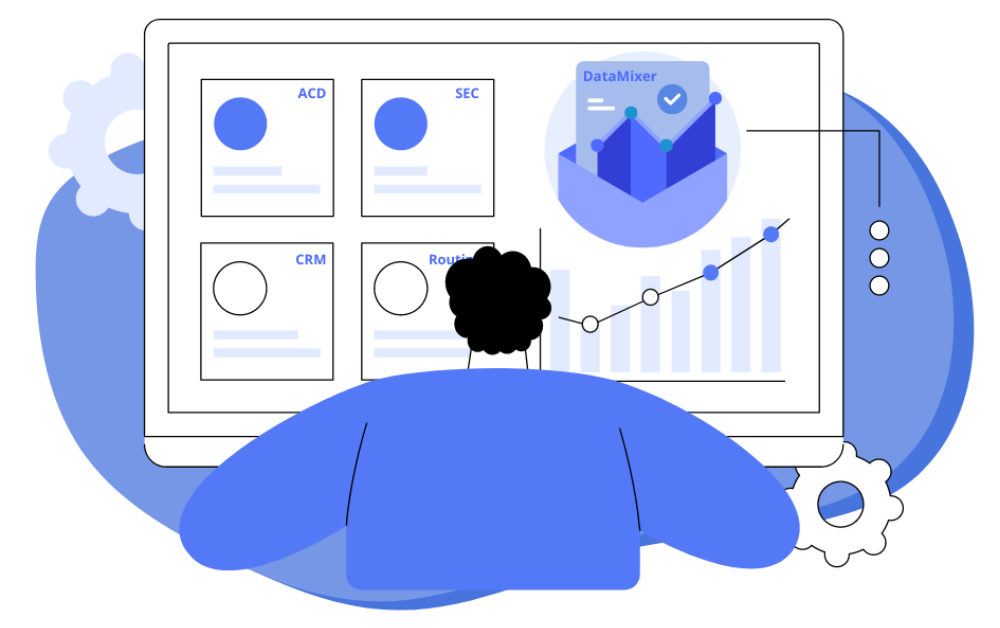
DataMixer: How to create a report for a call center?
DataMixer – a new Oki-Toki tool that will simplify your reporting work. Read in the note what it’s for and how to set it up!
Learn More >11.09.2024

First Call Resolution: FCR Report in Oki-Toki
What is the FCR indicator for call center operation, how to calculate it by formula, automatic report in oki-toki, and selection of fields for filling.
Learn More >09.09.2024

“Occupancy”: agent workload in call centers
How to determine the occupancy rate of call center agents and set up the “Occupancy” indicator in the Oki-Toki service.
Learn More >16.08.2024

Call recordings of call center agents
How to store and analyze agent call recordings in Oki-Toki
Learn More >22.07.2024

Ticket System: How Oki-Toki Processes a Customer Ticket?
How the Ticket System is Used in Oki-Toki and Customer Inquiry Processing is Organized. Statuses, Deadlines, Responsible Parties, Technical Support KPIs.
Learn More >07.07.2024

Optimize your reporting work: Effective approaches
Oki-Toki offers a variety of reports, and we are now going to talk about the tools that simplify working with them.
Learn More >28.06.2024