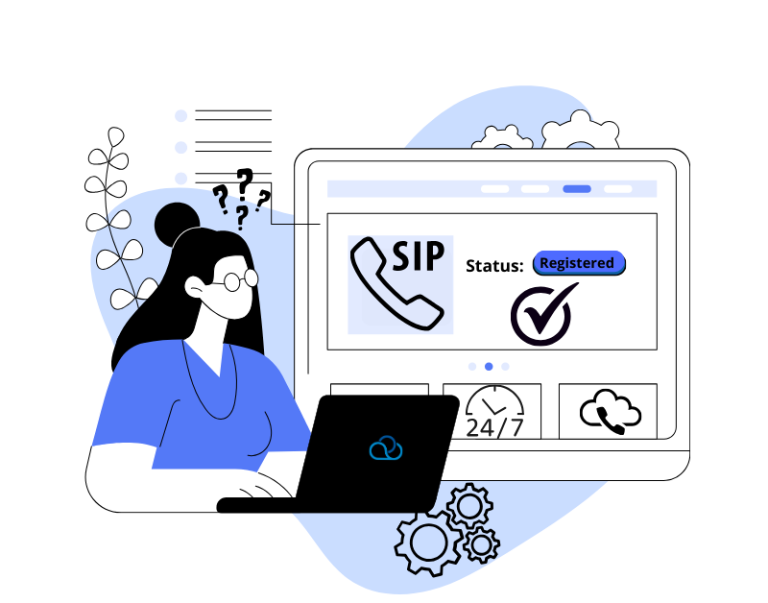
How to set up a SIP provider in Oki-Toki: SIP-client
How to connect a SIP provider in Oki-Toki, registration via SIP-Client, logging, and reporting.
Virtual PBX, SIP telephony setup, incoming call queues, outgoing call routing. Incoming statistics, cost calculation, FCR, and call tracking.
This category is related to products:
«Dialer», «Voice mailing», «Voice robot», «Smart reports»
How to connect a SIP provider in Oki-Toki, registration via SIP-Client, logging, and reporting.
What is the Customer Development method and how it can help you create a sought-after product.
How to improve the quality of the inbound line and what a cloud call-center offers: savings, flexibility, control.
What call center reports are available in the Oki-Toki cloud system
What communication tools are available in Oki-Toki and how to use them to establish effective communication in a call center.
Learn what a SIP Trunk is and how easily you can set it up in Oki-Toki. It's an effective solution for communicating with clients and optimizing your business.
Detailed instructions on how to collect SIP-call data in the Oki-Toki service.
How to store and analyze agent call recordings in Oki-Toki
Need to conceal your calls? Use the Oki-Toki call filter! Learn how to set up and use this option to improve your reporting.
How to set up user groups in Oki-Toki to enhance call center efficiency. Optimize your call center's operations with the help of user groups!